
Checkout consent
ask only those who agree.
If your privacy rules need it, Reviewmend can add a checkbox to the checkout and send review requests only to customers who tick it. It works on the classic checkout and the Checkout block.
01Switch it on
Reviewmend → Settings → Who gets asked → Consent at checkout → Only ask customers who tick a box at checkout → Save settings.
The default, Ask every qualifying customer, adds no checkbox. Every request has a one-click unsubscribe link either way.
02On the checkout
The checkbox text is "Ask me to review my purchase by e-mail". It is never pre-ticked and never required.
- Classic checkout (the
[woocommerce_checkout]shortcode): below the order notes. - Checkout block: registered through WooCommerce's Additional Checkout Fields, in the order section.
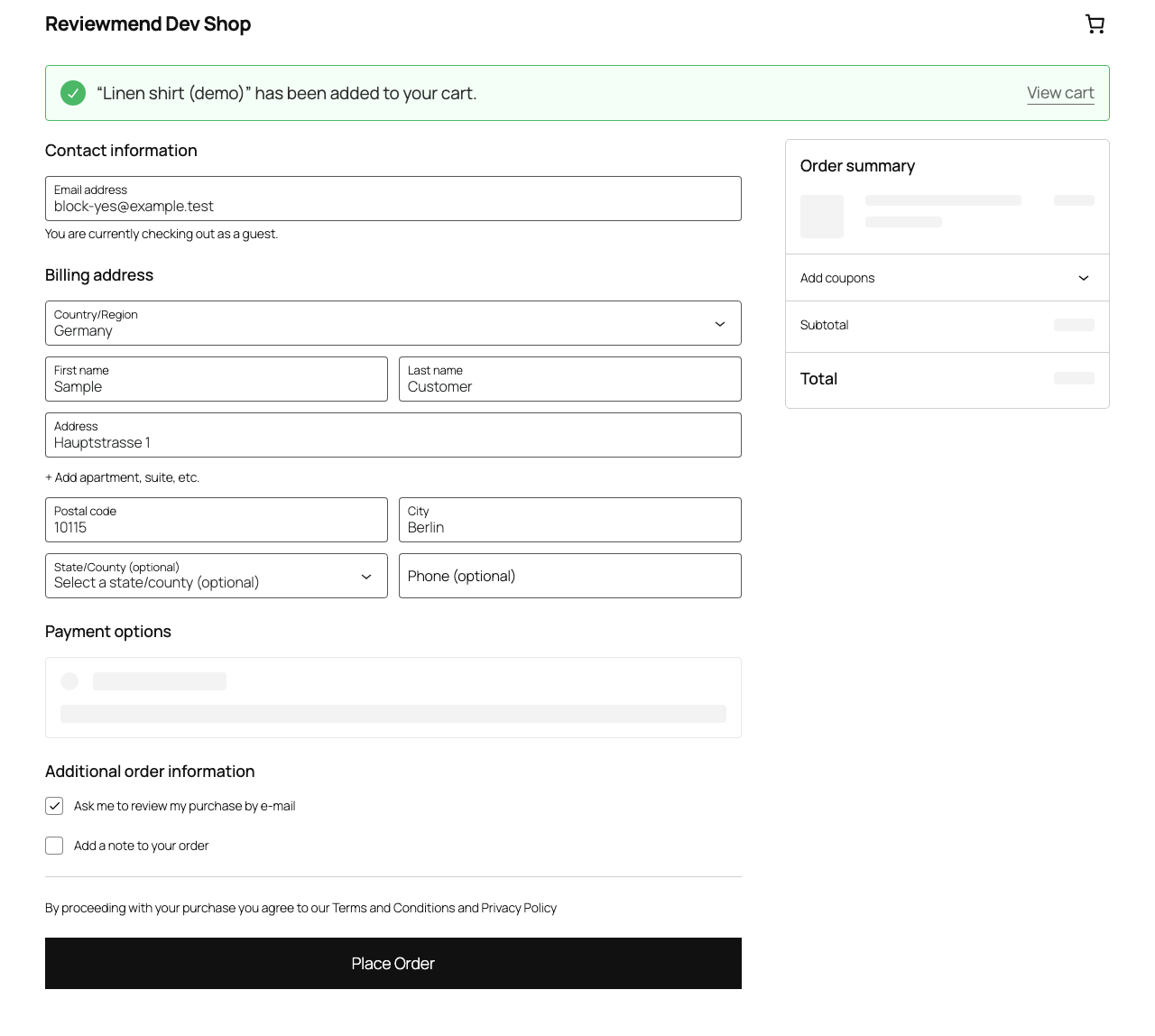
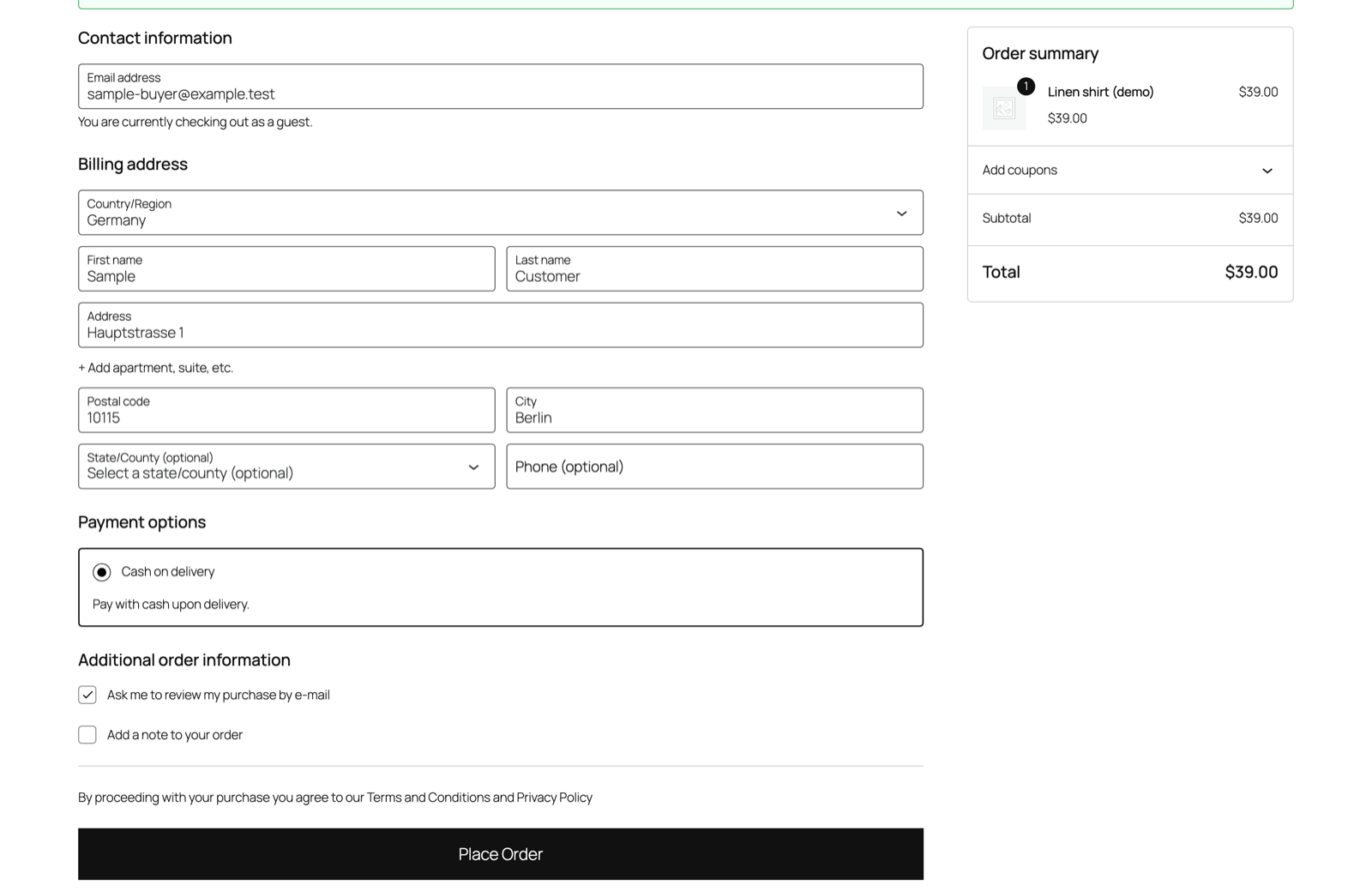
To change the text, use the reviewmend_consent_label filter (Developers) or a translation.
03On the order screen
The order edit screen shows "Review requests:" below the billing address with one of:
- the customer agreed at checkout;
- the customer did not tick the box at checkout, no request is sent;
- not asked at checkout (order placed before consent mode was on, or created by hand), no request is sent.
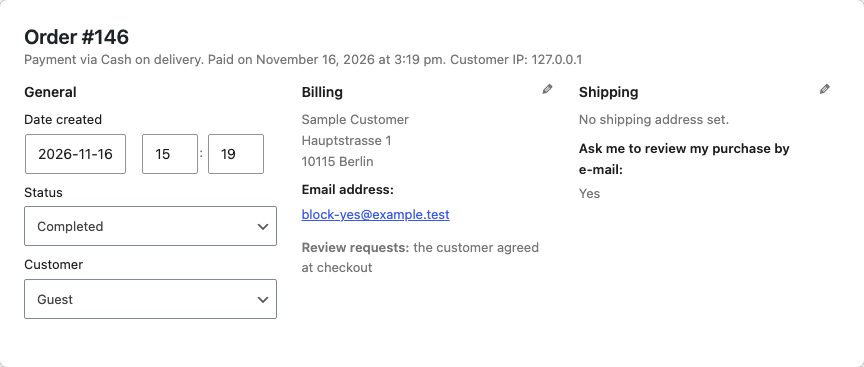
With consent mode on, orders that have no answer stored (older orders, orders created in the admin) never get a request. They show up as Skipped with the note "The customer did not agree to review requests at checkout."